For independent designers
Solo
$15/ month
$150 yearly
- 10 active projects
- 1 designer seat
- Client comments, versions, and approvals
- Downloadable approval records
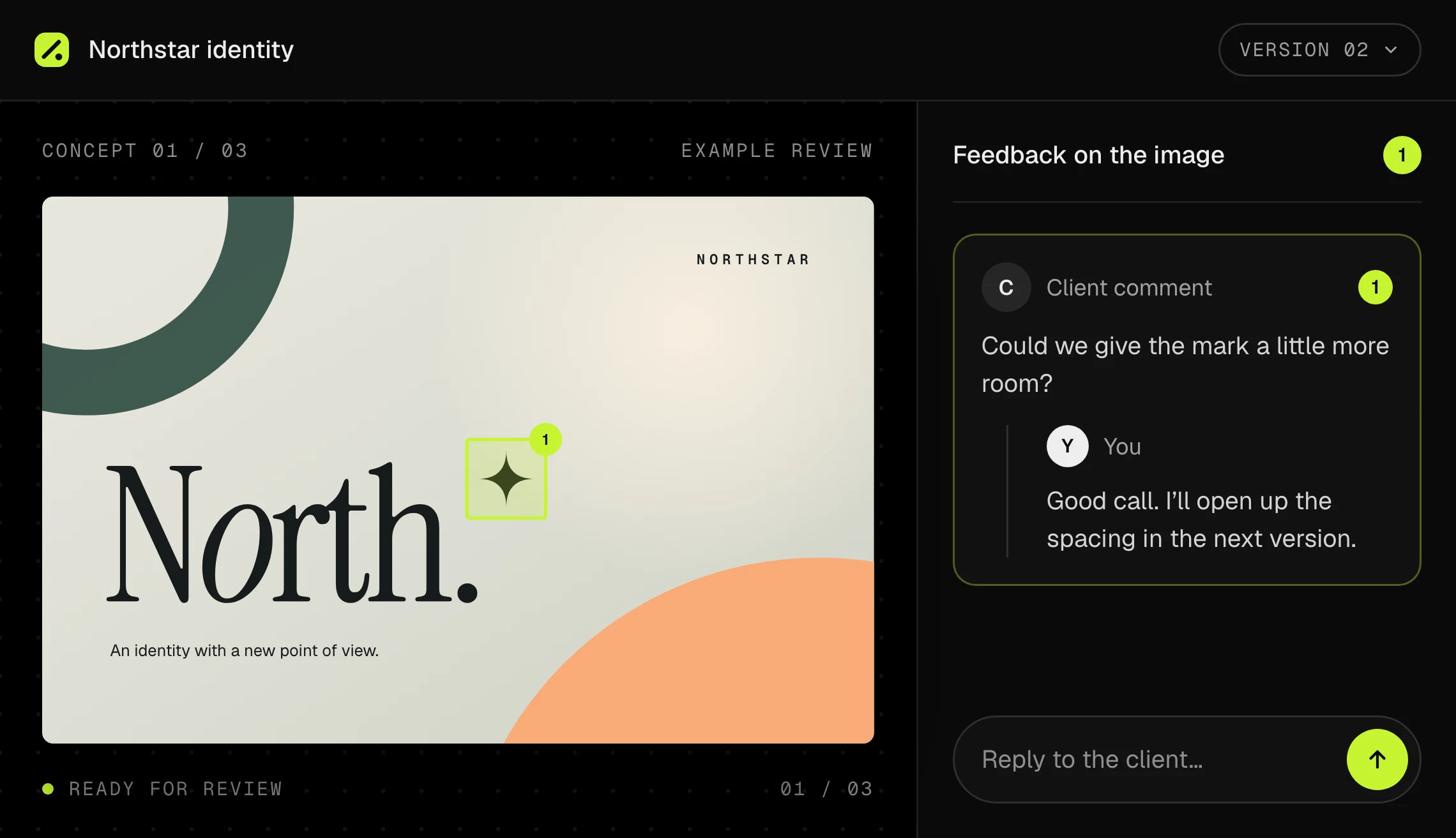
Pinloupe gives designers one place to share design concepts, get feedback in context, and keep revisions and approvals clear.
“[Placeholder — a beta designer, in one or two lines, on how much easier it got to land a clear sign-off.]”
“[Short placeholder quote about clients pointing at the exact spot instead of describing it.]”
“[Short placeholder quote about never losing track of which version was approved.]”
 Feedback in a voice note
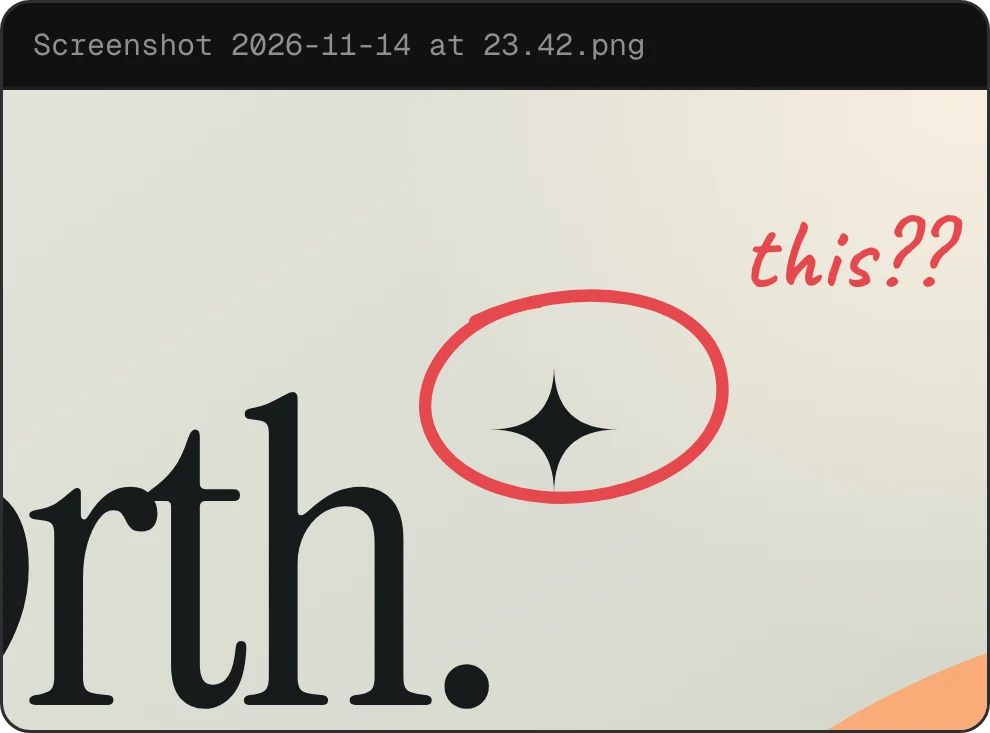 A screenshot, no context
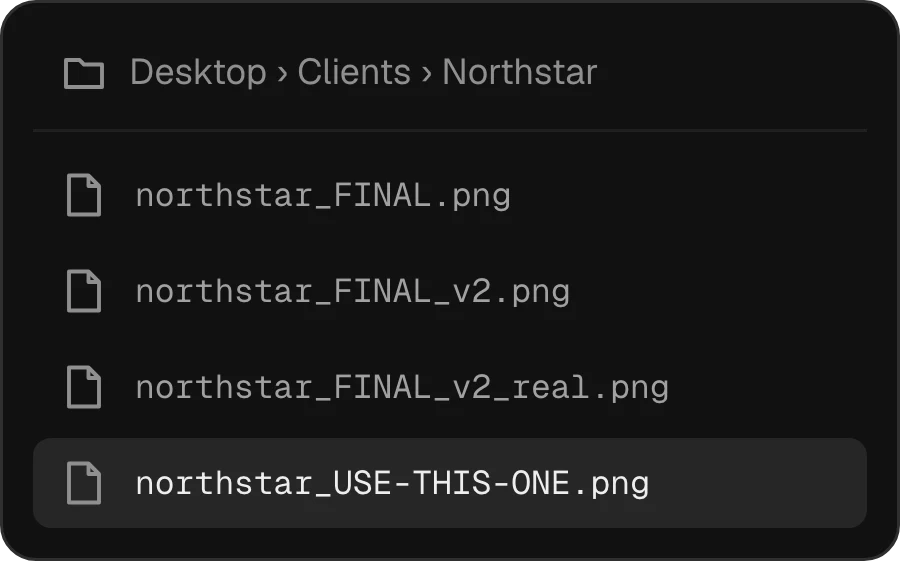 No version history
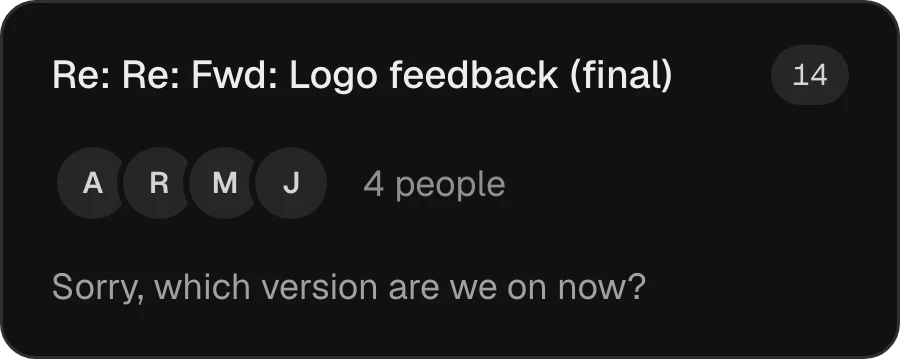 Lost in a thread
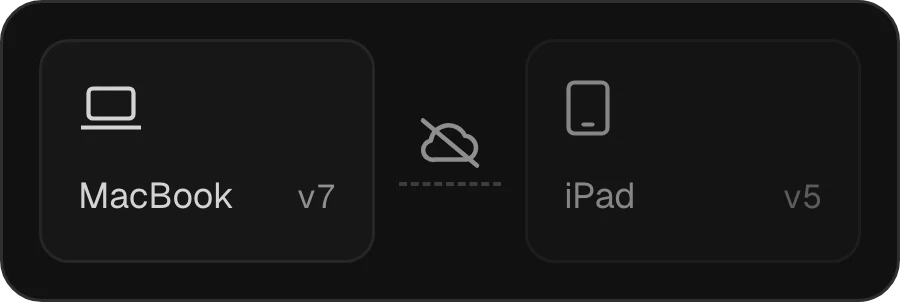 Not in the cloud. Out of sync.
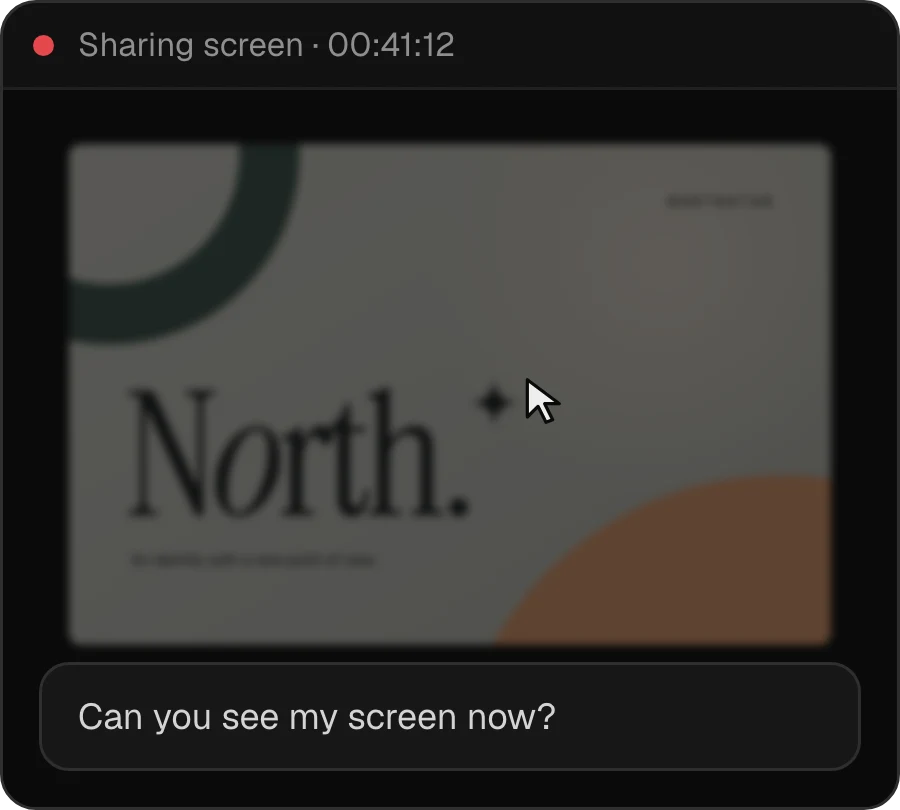 Not looking at the same thing
Made for the moment between draft and done
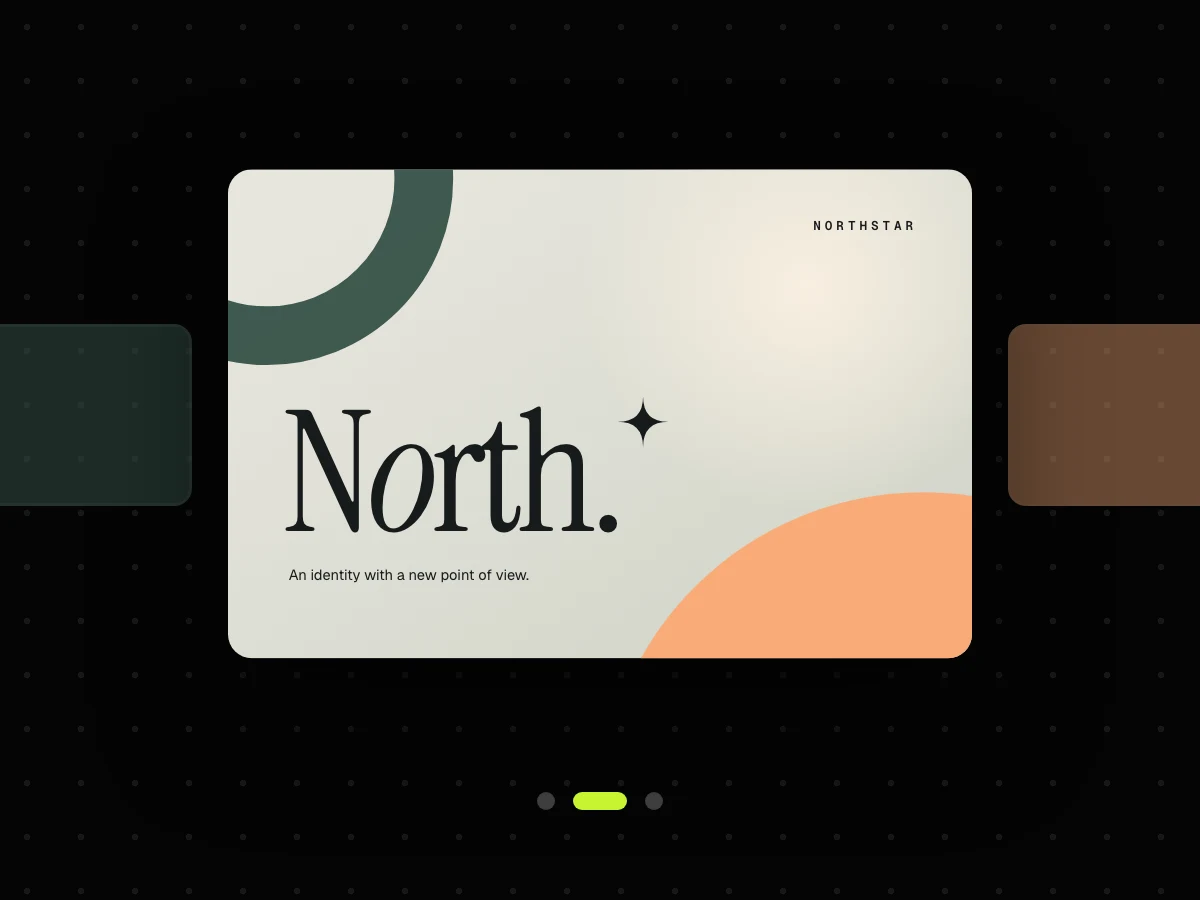
Give each design its own space, so the idea stays in focus.
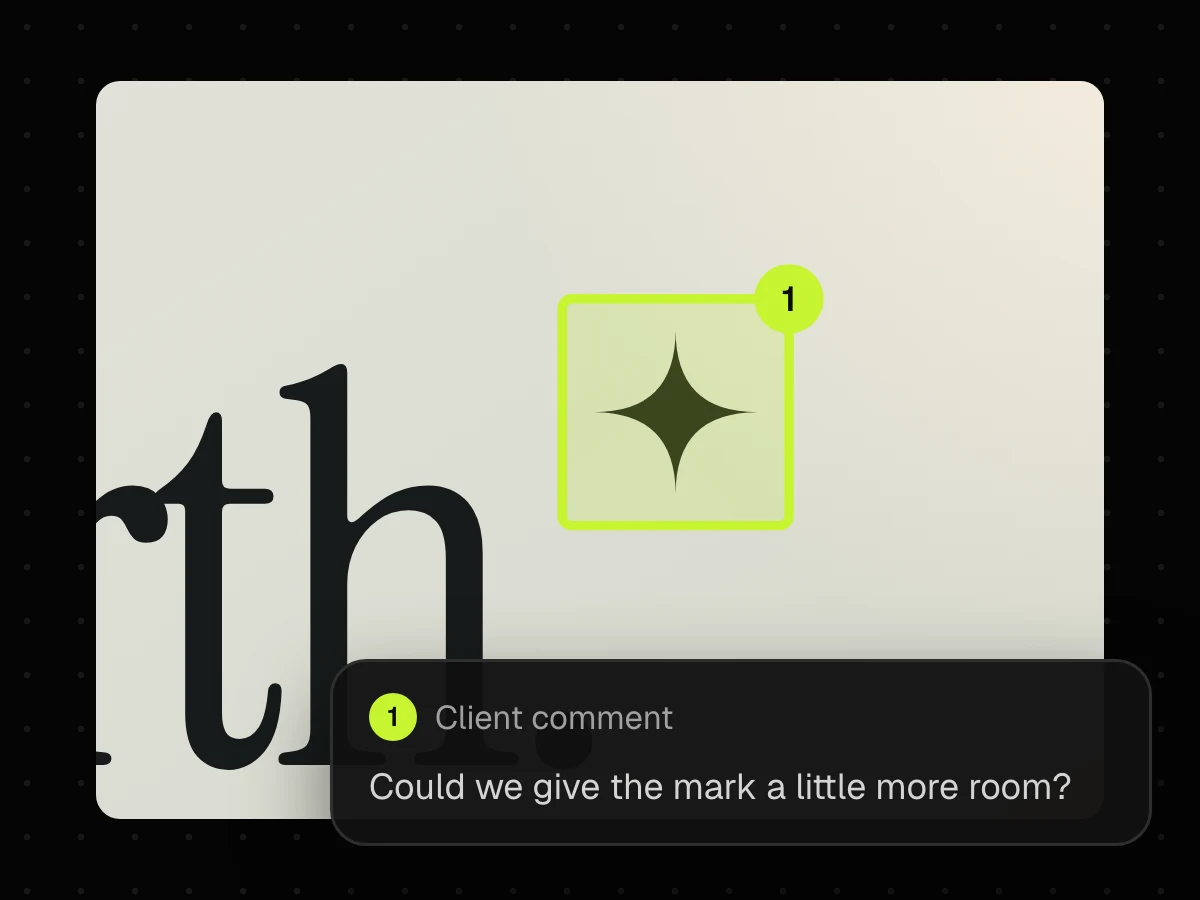
Highlight the exact area and keep the conversation beside it.
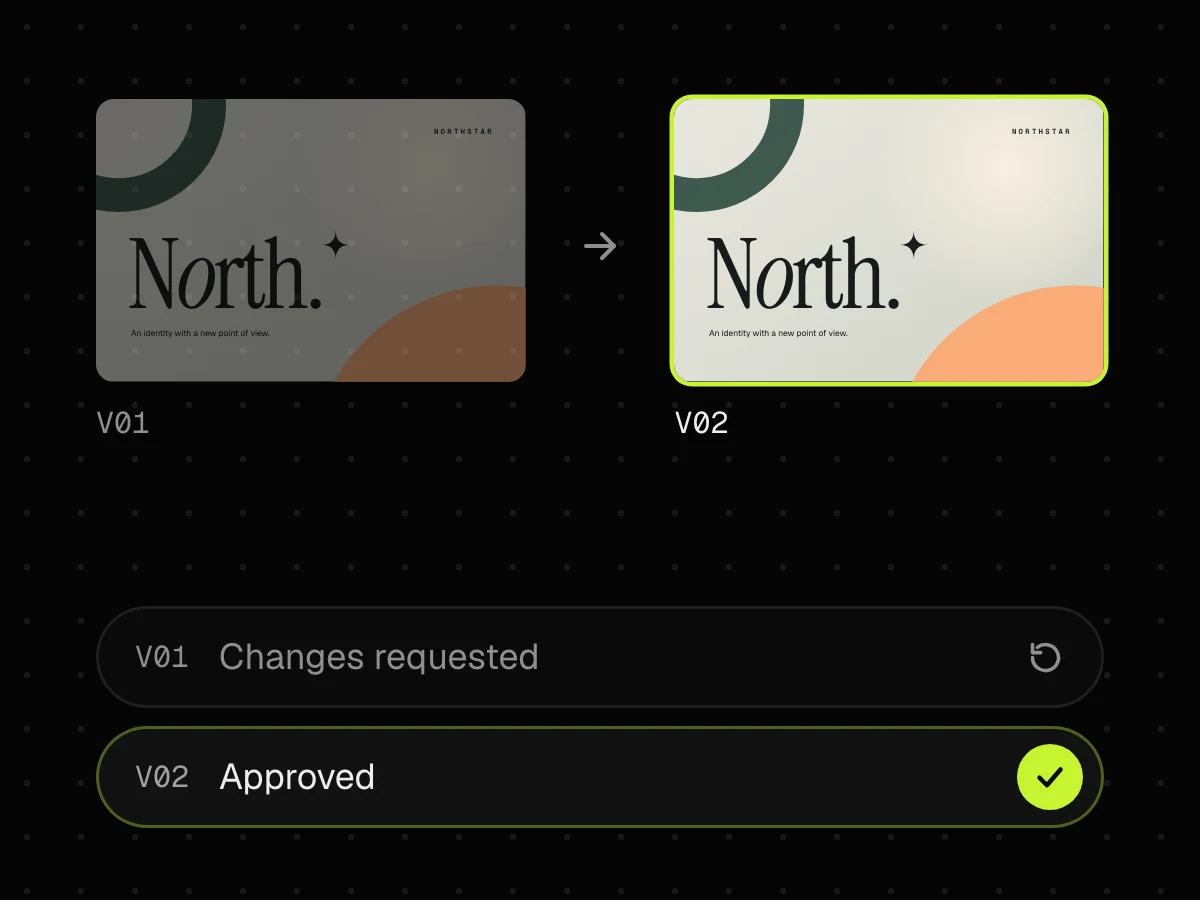
Track versions and decisions without losing what changed.
Simple, honest pricing
Start with 14 days free. No card required. Clients always review for free.
For independent designers
$150 yearly
For small design teams
$390 yearly
USD · choose monthly or yearly billing
The practical bits
Visual design work such as brand concepts, logos, campaign visuals, and illustrations. Give each design its own focused review space, so the work stays at the centre of the conversation.
Clients can point to an exact area, leave and reply to comments, compare versions, and approve a design or request changes.
Every upload becomes a new version while the earlier work remains available. Open feedback can be carried forward, so it is clear what was fixed and what still needs attention.
Pinloupe supports PNG, JPG, WebP, GIF, SVG or AVIF files.
No. The original is kept exactly as uploaded. Lighter viewing copies may be created for faster reviews, but the source file is never replaced or re-encoded.
Yes. Add the people who should weigh in, and each reviewer can comment and record their decisions in the same project.